A Childcare Centre Website Photo Checklist
If your website is due for a refresh, this is the practical shot list most childcare centres need before redesigning pages or launching campaigns.
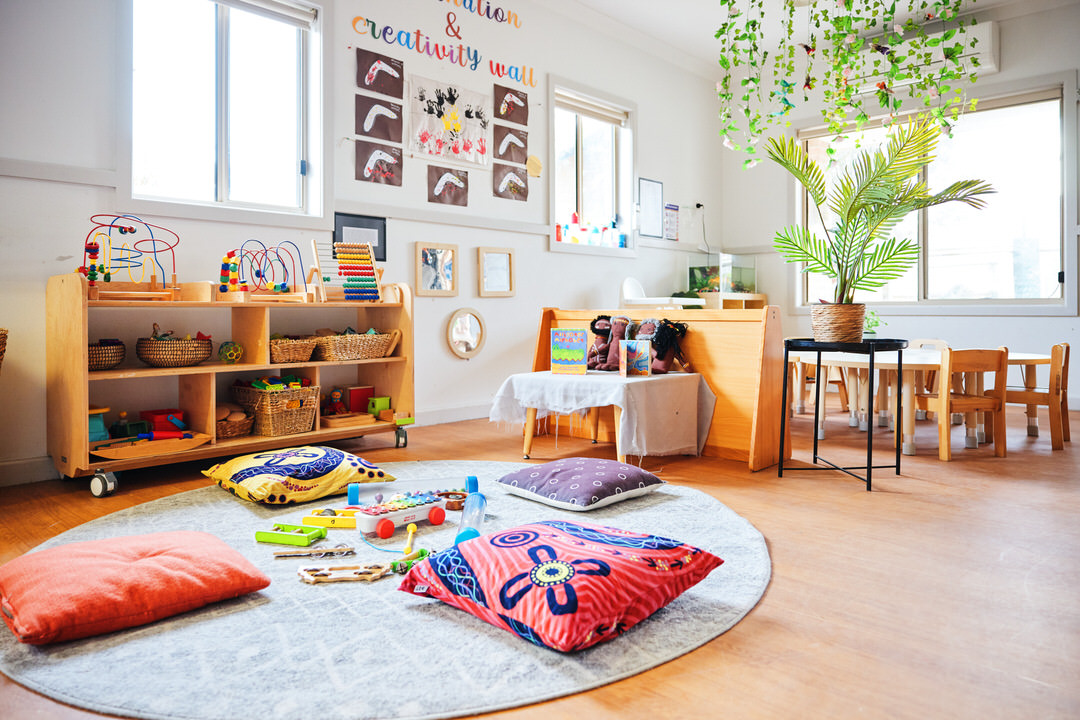
A centre website usually performs best when visual planning happens before the design is built. Without a clear shot list, many sites end up relying on gaps, repeated images or generic stock photos. A simple photo checklist can prevent that.
Core pages need specific imagery
Your homepage, about page, room pages, contact page and enrolment content all need different image types. Treating one gallery as a universal source often weakens the site.
A homepage needs warmth and confidence, while room pages need practical detail and age-specific context.
## Include a mix of wide, medium and detail shots
Wide shots establish space. Medium shots show people in context. Detail shots help the website feel polished and intentional.
That combination also gives designers more flexibility when building layouts.
## Do not forget leadership and team imagery
Parents often want to know who is behind the service. A few strong staff portraits or leadership images can help build credibility.
These are also useful beyond the website for recruitment and local promotion.
## Plan for future marketing use
A proper shoot should supply content for newsletters, brochures, social posts and paid advertising as well as the website.
That gives the centre a stronger return from the production day.